Part 1
Agent rollout via Intune is an alternative to agent rollout via active directory policy.
The first step, is to create a new folder, in this case it’s named “Demo”. Then create two folders Input and Output. Download the Intune app and also put it in your folder (Demo).
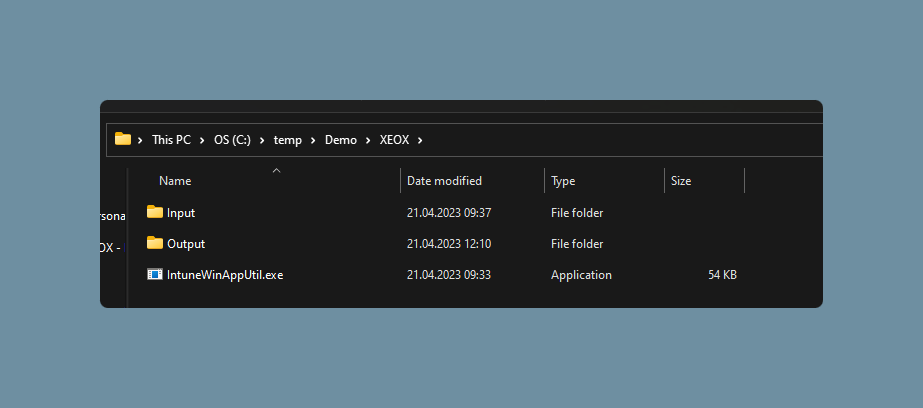
In the Input folder you need the .exe file of the XEOX agent, as well as two .cmd scripts, install and uninstall.
You need the uninstall script, otherwise this won’t work!
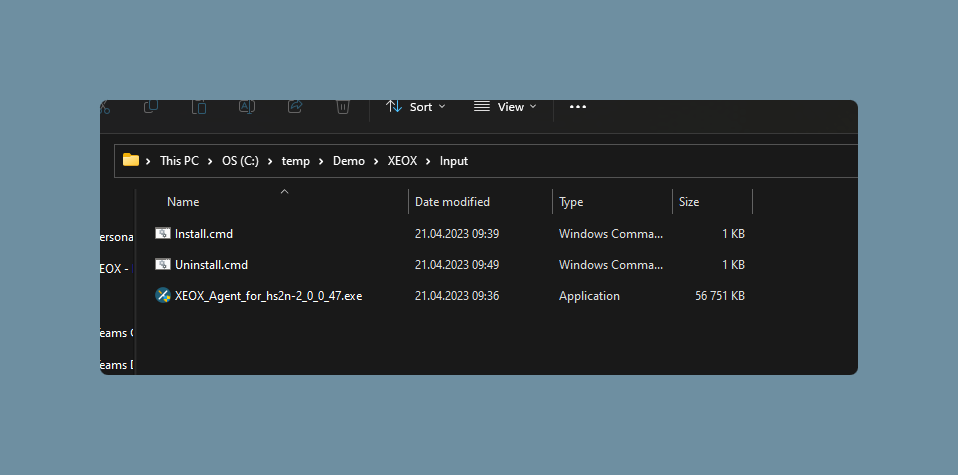
install.cmd:
if exists "%ProgramFiles(x86)%\xeox\version.txt" goto nothing
if exists "%ProgramFiles%\xeox\version.txt" goto nothing
echo Installing XEOX Agent
%~dp0XEOX_Agent_for_hs2n-2_0_0_47.exe /S /U
echo Install Finished
exit

:nothing
echo XEOX is already installed, doing nothing
uninstall.cmd:
wmic product where name="*XEOX*" call uninstall
Afterwards you open the powershell as an admin, call up the folder you created, Demo in this case, and type the following command:
.\IntuneWinAppUtil.exeSource: Path of Input folder (in this case: C:\Temp\Demo\Input)
Setup: Agent.exe (in this case: C:\Temp\Demo\Input\XEOX_Agent_for_hs2n-2_0_0_47.exe)
Output: Path of Output folder (in this case: C:\Temp\Demo\Output)
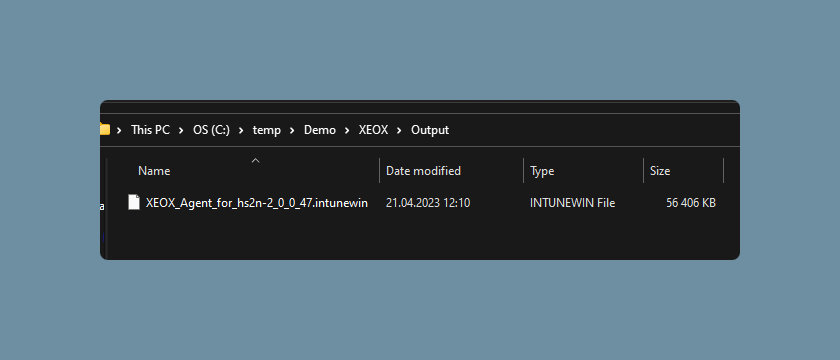
Afterwards you will have the .intunewin file in your Output folder. You will need this for later.
Part 2
Sign into https://endpoint.microsoft.com/. You will have to select a user that has access.
Select Apps (left menu) - Windows - Add
On the right side a menu will open:
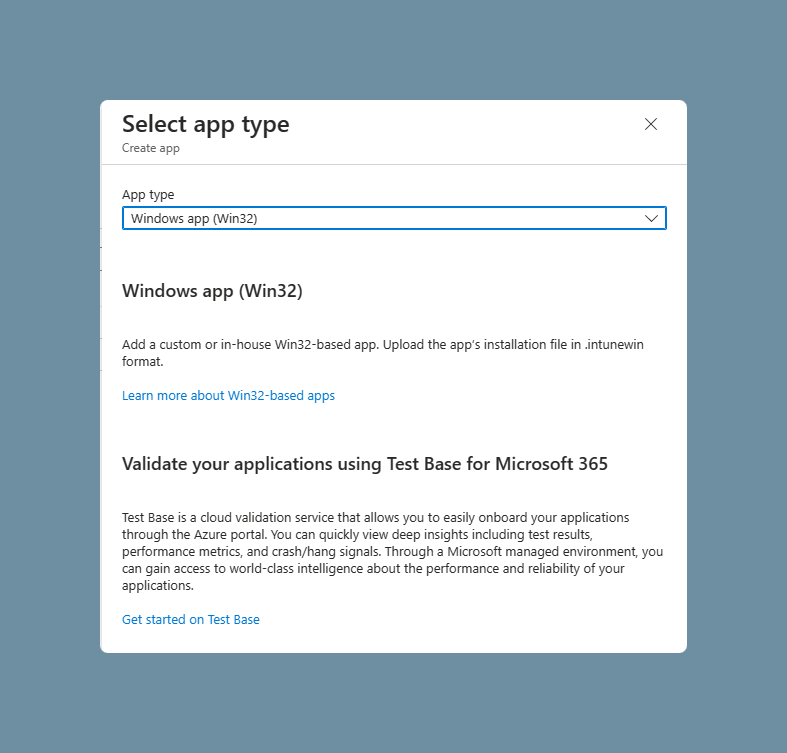
Create a new plattform.
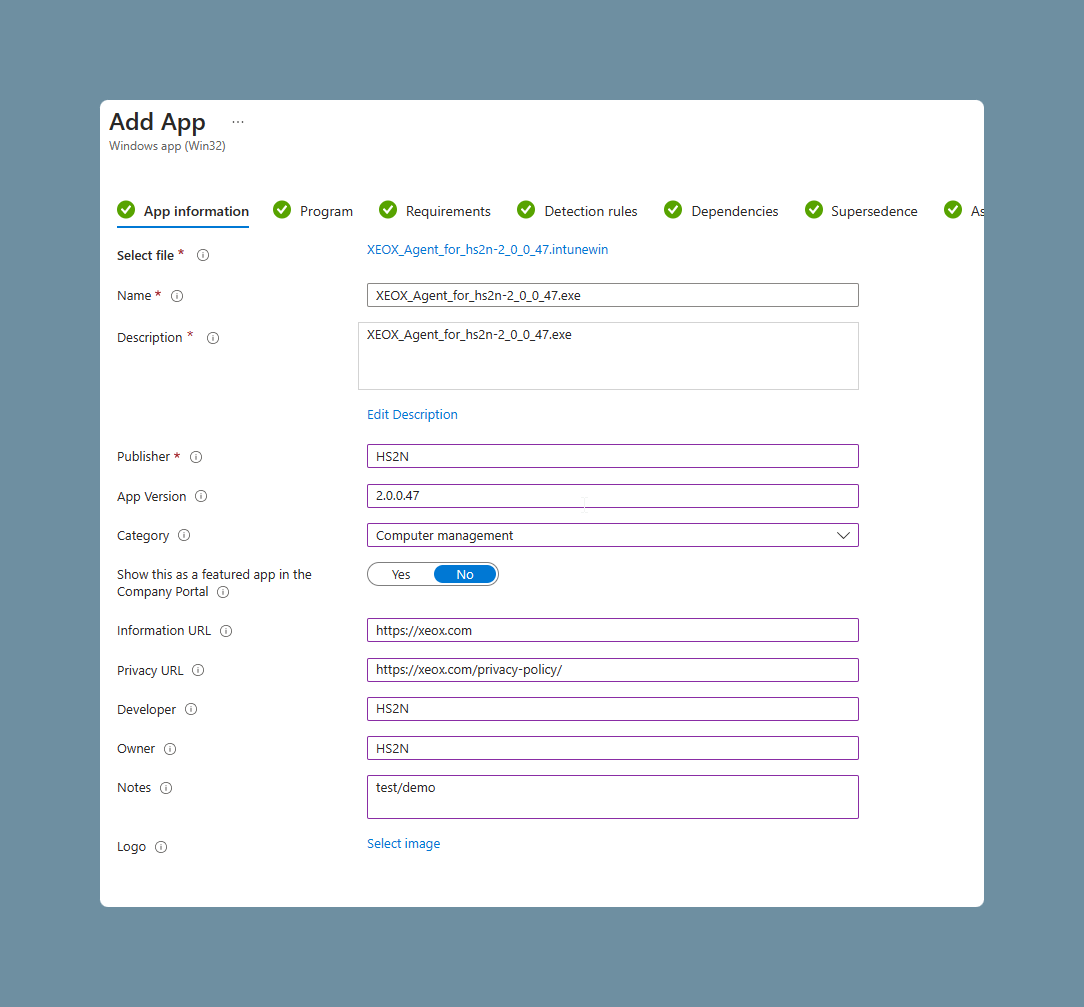
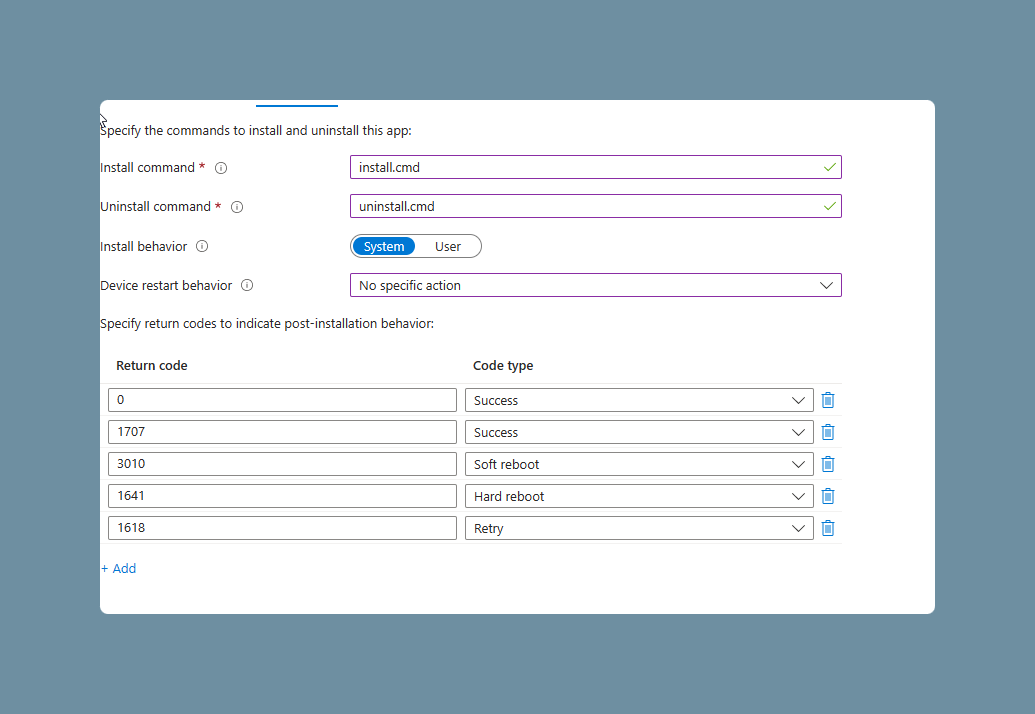
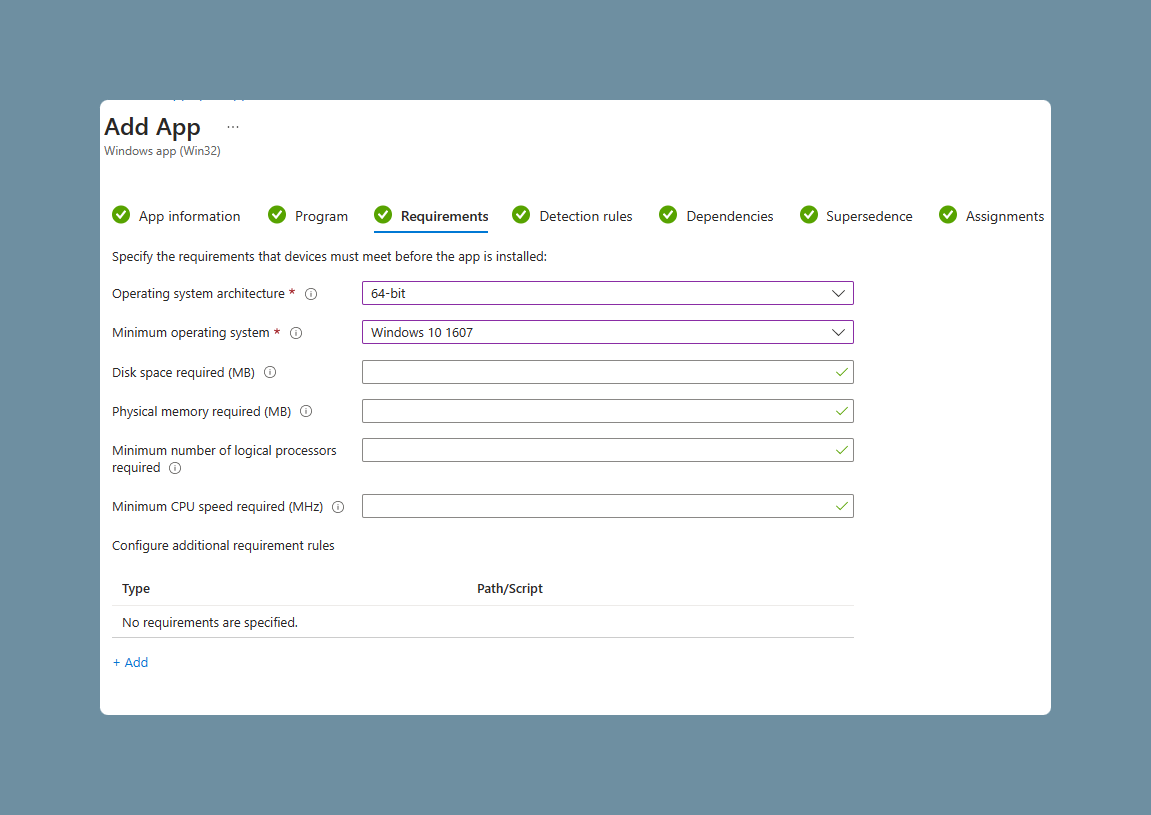
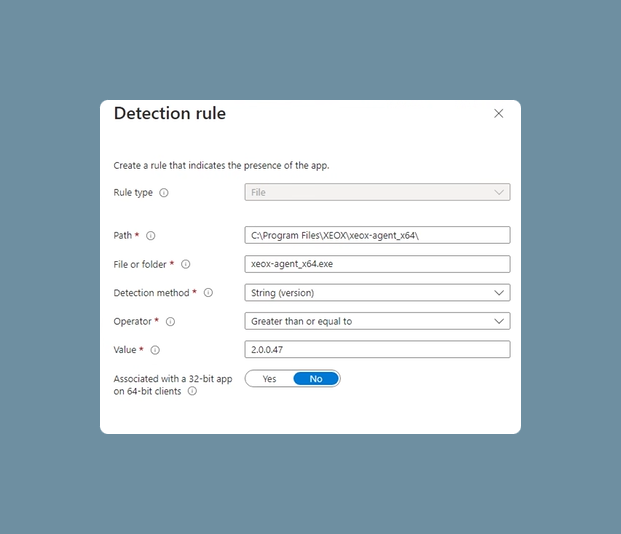
This rule checks, wether an agent with the version 2.0.0.47, or higher, is already installed.
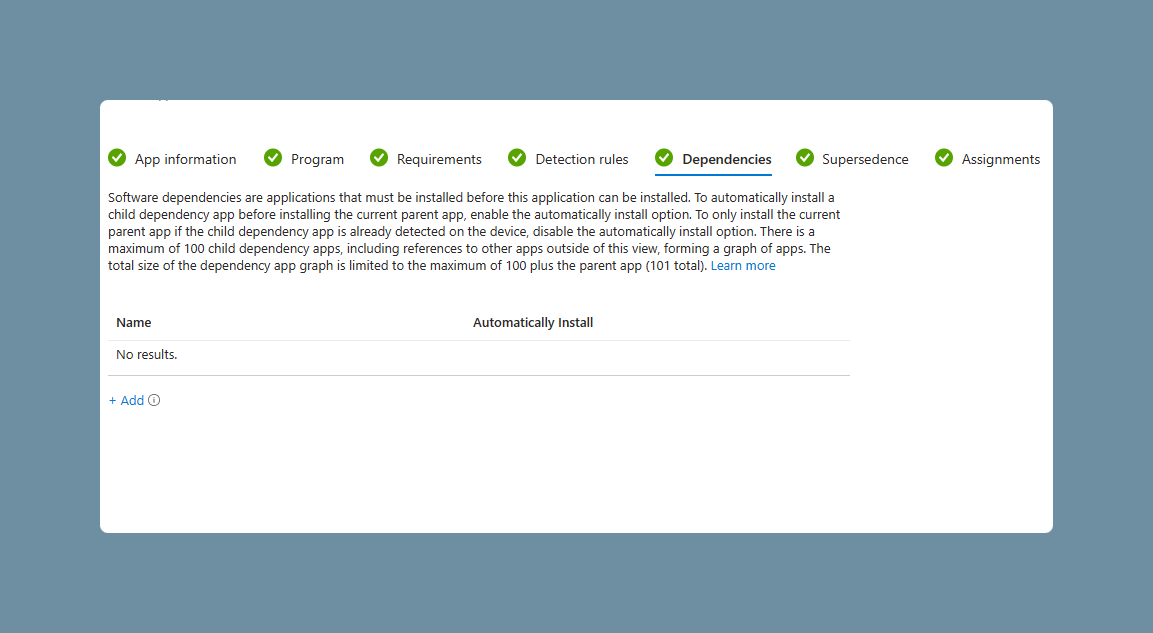
Nothing required.
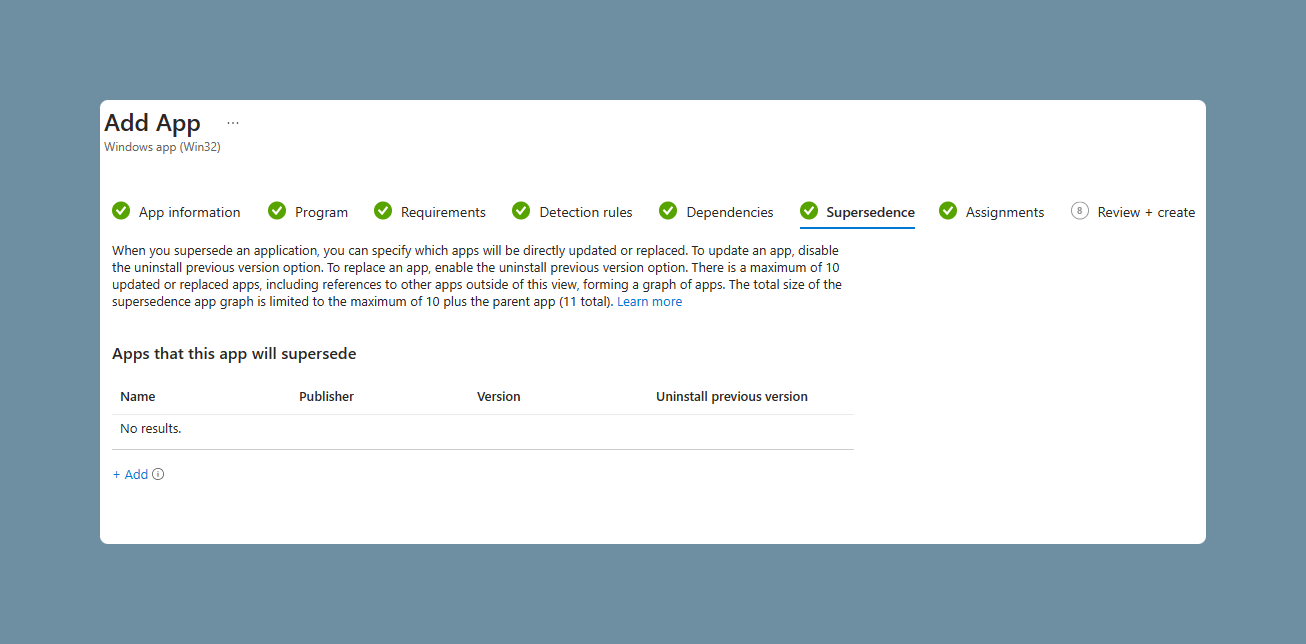
Nothing required.
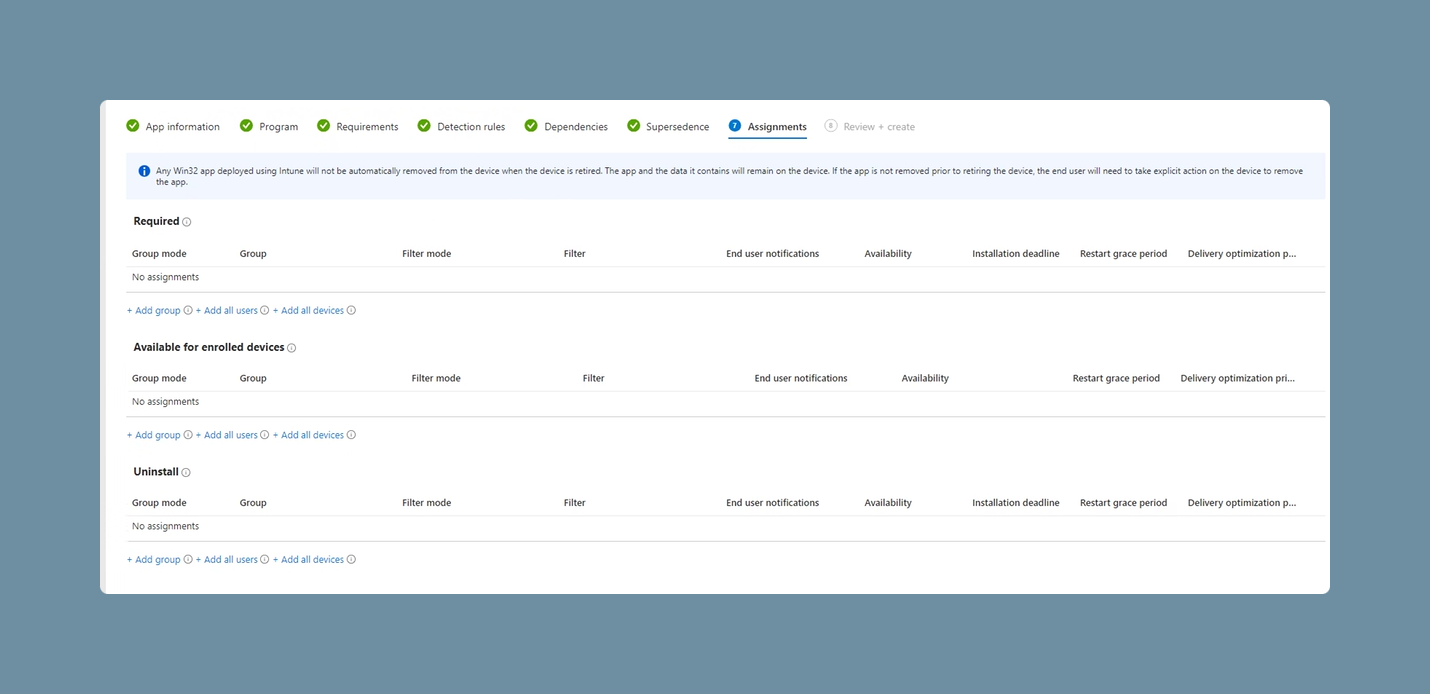
Assignments allows you to specify a group or install/uninstall the software on all devices. Required forces the device to install the software, without the user having any input on it.
It’s recommended to test assignments with a small group beforehand.
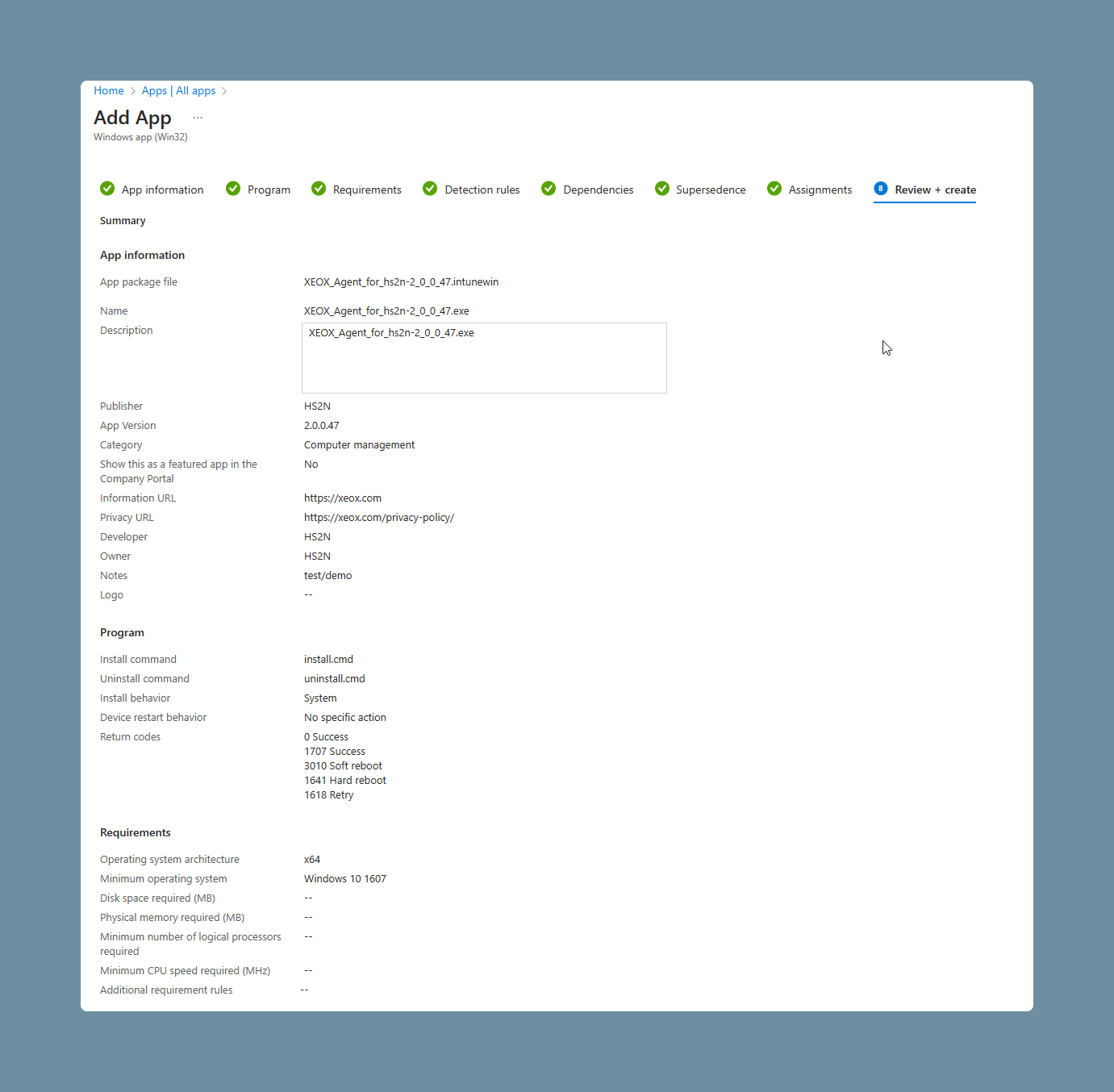
Lastly press Create. This will now be checked by Microsoft and then installed.
Attention: It may take up to a whole day until the agent is installed on all devices. This is not changable.