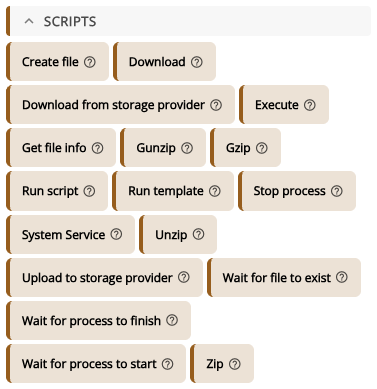
The action Download from storage provider downloads a file from one of your Storage Providers (S3, SharePoint/OneDrive or Nextcloud) onto the target device, for example an installer or a config file. The device fetches the file straight from the provider with a short-lived link, so it never passes through XEOX and the device never sees the provider's credentials. You find it in the Toolbox under Scripts.
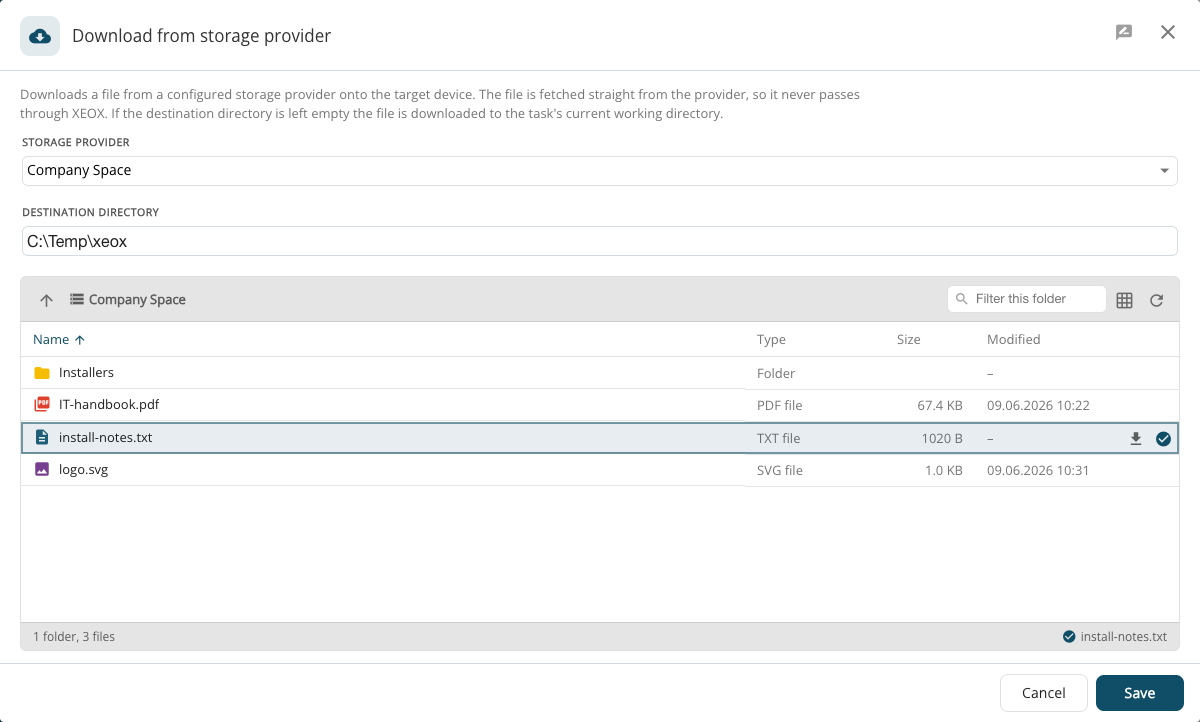
- Storage provider: which provider to download from.
- Destination directory: where the file goes on the device. Left empty, it is downloaded to the task's working directory, where later actions find it.
- Below, pick the file in the provider's file browser; it is ticked and named at the bottom right.
The task result shows the transfer under Download results: the provider, the file, its size, the speed and the checksum.