The system template Update the XEOX agent updates the XEOX agent to the latest version, then searches for missing Windows updates and takes a full inventory. It has no settings. You find it in the Toolbox under System templates.
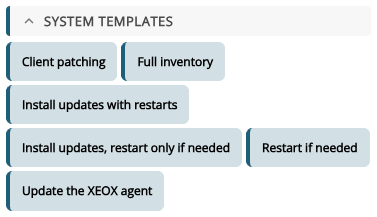
Clicking it shows the three actions it adds. Add 3 actions puts them into the task.
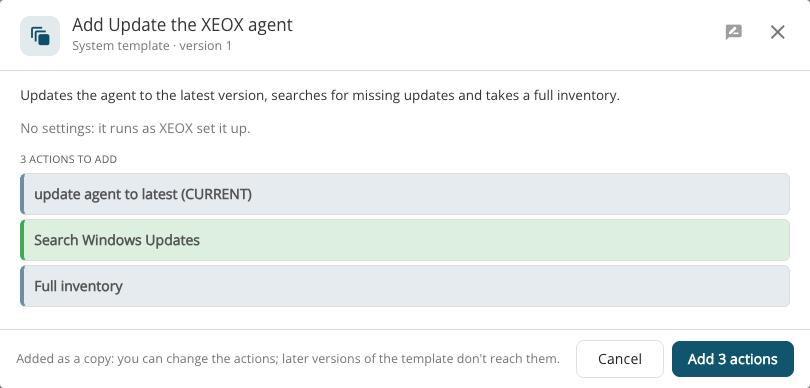
The agent is updated from the Current release channel. To use Long term support or Release candidate, or a specific version, change the first action afterwards; see Agent update.
A system template is added as a copy: you can change its actions afterwards, and later versions of the template don't change them.