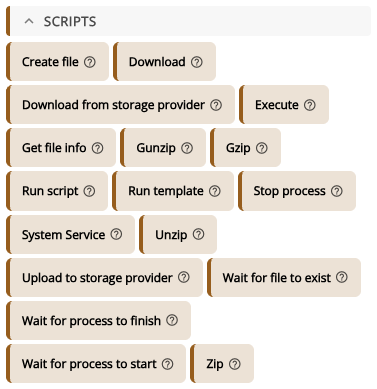
The action Upload to storage provider uploads a file from the target device into a folder of one of your Storage Providers, for example logs or reports. The device sends the file straight to the provider, so it never passes through XEOX and the device never sees the provider's credentials. It needs XEOX agent version 2.4.0.90 or newer. You find it in the Toolbox under Scripts.
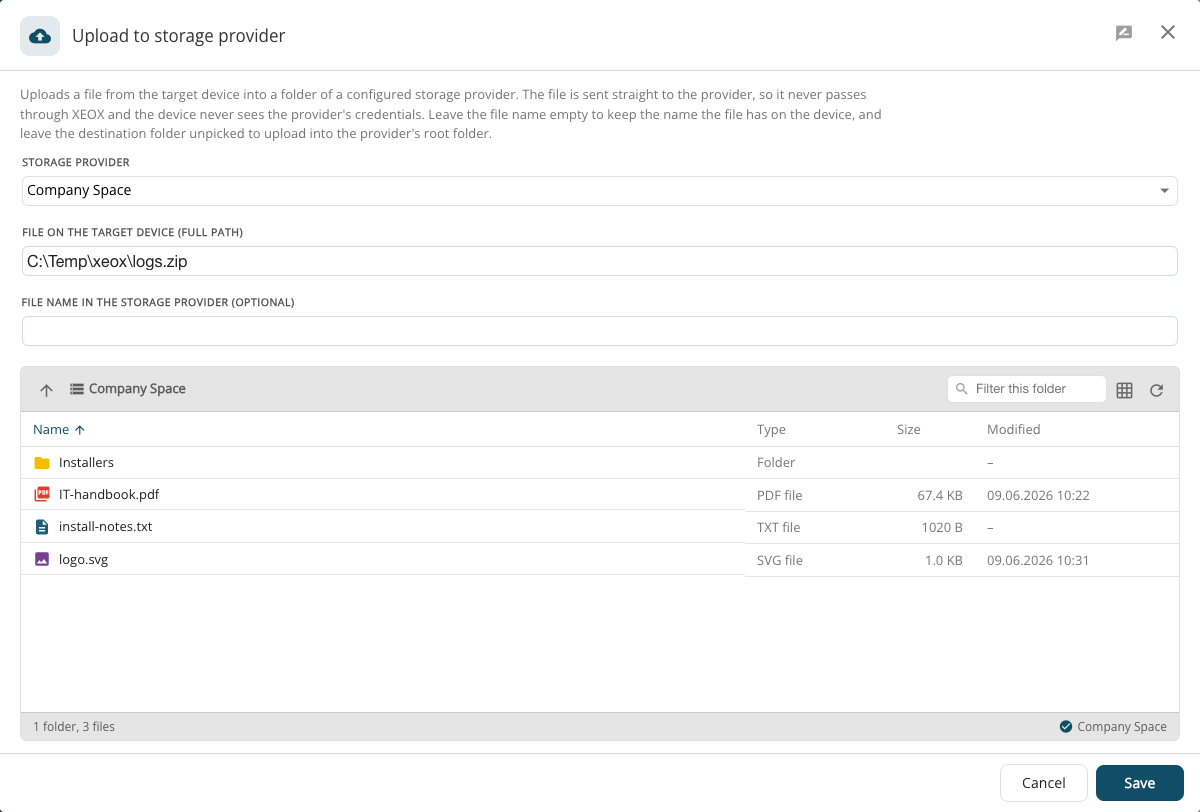
- Storage provider: which provider to upload to.
- File on the target device (full path): for example
C:\Temp\xeox\logs.zip.
- File name in the storage provider (optional): left empty, the file keeps the name it has on the device.
- Below, pick the destination folder in the provider's file browser. Left unpicked, the file goes into the provider's root folder (Nextcloud needs a folder, see Storage Providers).
The task result shows the transfer under Upload results. Generate download link there creates a temporary link (15 minutes to 24 hours) to fetch the uploaded file.