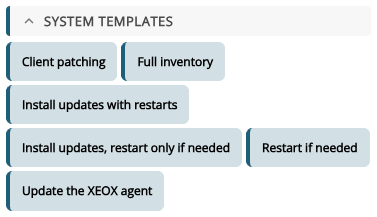
The system template Install updates with restarts installs Windows updates in rounds, with a restart before each round, until none are left. Then it restarts once more and takes a full inventory. Some updates only install after others and a restart, which is why it works in rounds. You find it in the Toolbox under System templates.
- Install rounds: at most this many rounds (each with a restart).
- Restart after (minutes): how long the message counts down before each restart.
- Message before the restart: shown to whoever is signed in;
$Minutesis the time left. Leave it empty to restart without a message.
Below, you see the actions it adds: a do { loop with Send Windows message, Reboot, Install Windows Updates and Search Windows Updates. Add 10 actions puts them into the task.
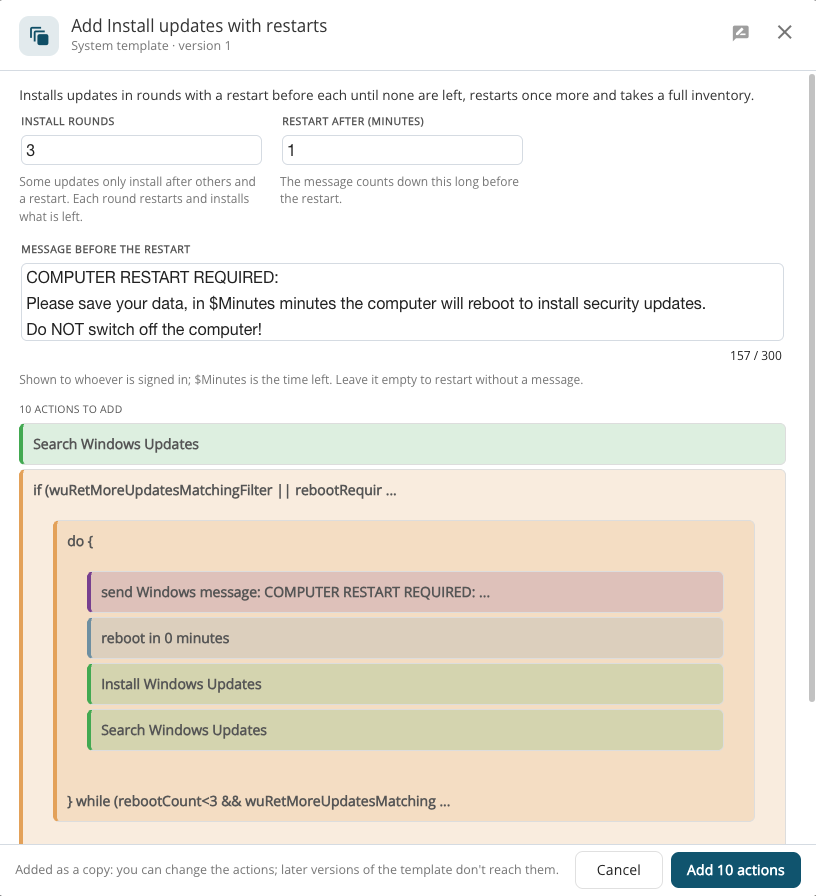
A system template is added as a copy: you can change its actions afterwards, and later versions of the template don't change them.